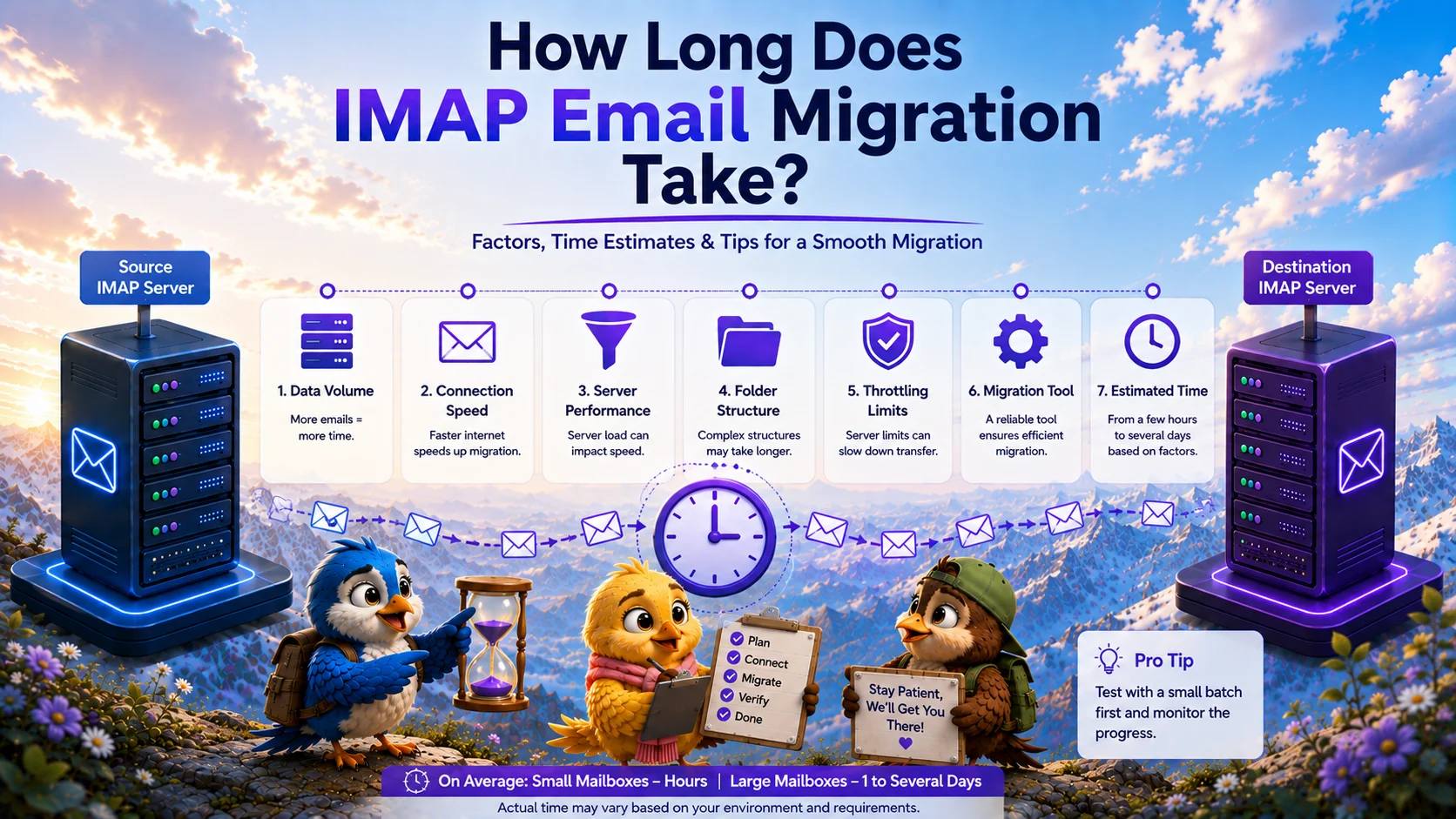
When planning to migrate emails from one IMAP server to another, the most pressing question from management is always the same: "How long will it take?"
While it would be convenient to provide a universal guarantee—such as "15,000 emails per hour" or "50GB per day"—the reality is that IMAP migration speed is highly variable. The duration of an IMAP email migration is dictated entirely by the specific technical constraints of your unique source and destination environments.
How Long Does an IMAP Migration Take?
An IMAP email migration can take anywhere from a few hours for a small business to several weeks for a large enterprise. The total duration is determined by the "weakest link" in the data transfer chain. An enterprise-grade migration tool might be capable of transferring 1 terabyte of data an hour, but if your source server limits outbound traffic to 10 Mbps, the migration will proceed at 10 Mbps.
Factors That Affect Migration Time
To accurately estimate your migration duration, you must evaluate the following factors during your planning phase.
Mailbox Size and Number of Messages
Total data volume is the most obvious factor, but the composition of that data is equally important. Migrating one hundred 10MB emails (1GB total) is significantly faster than migrating one hundred thousand 10KB emails (also 1GB total). This is because the IMAP protocol requires the server to process individual commands (fetch, read, append) for every single message. High message counts introduce massive processing overhead.
Attachments
Emails heavy with attachments take longer to extract and deposit. Furthermore, if you are migrating to a platform with strict attachment limits (such as Microsoft 365), you must factor in the time required for the migration tool to gracefully skip oversized attachments and log the exceptions.
Source Server Performance
Many organizations migrate away from legacy servers precisely because they are underperforming. If the source server is lacking CPU or RAM, it will struggle to process concurrent IMAP `FETCH` requests. This will result in connection timeouts and IMAP migration errors, forcing the tool to retry and slowing the process down.
Server Throttling and Rate Limits
Almost all cloud providers (like Google Workspace and Microsoft 365) and shared hosting providers enforce strict API and IMAP rate limits. If a migration tool pushes data too aggressively, the destination server will issue a throttling response (e.g., "Too Many Requests"), forcing the tool to pause. A professional migration tool automatically respects these backoff requests, which preserves data integrity but increases migration time.
Internet Connection
If you are running a migration tool on a local machine in your office, your office's upload and download bandwidth will become the bottleneck. This is why it is highly recommended to use a cloud-based server-to-server migration platform, which leverages data center bandwidth.
Why Migration Speed Varies: Initial vs Delta Sync
A standard migration is broken into phases. The **Initial Migration** transfers all historical data (emails from years ago up to the present day). This is the phase that can take days or weeks.
The **Delta Sync** is an incremental synchronization that runs right before your MX record cutover. It only transfers the handful of new emails that arrived during the initial migration phase. Delta syncs are incredibly fast, often completing in minutes. This phased approach allows the long, initial migration to happen in the background without causing user downtime.
How to Estimate Migration Duration
The only accurate way to estimate your specific migration time is to run a Pilot Migration. Select 3 to 5 mailboxes of average size and run them through your migration tool. If 10GB of data across 5 mailboxes took 2 hours, you can extrapolate a rough baseline for the rest of your organization. (Include this testing phase in your IMAP email migration checklist).
How to Reduce Avoidable Delays
While you cannot bypass physical bandwidth limits, you can avoid administrative delays by following IMAP email migration best practices:
- **Prepare Credentials:** Ensure all passwords (or App Passwords) are correct before starting. Authentication failures pause the migration.
- **Batch Strategically:** Do not migrate 1,000 mailboxes simultaneously if your source server cannot handle it. Migrate in logical batches of 20 to 50 concurrent connections to avoid triggering aggressive firewall blocks.
- **Archive Old Data:** Instruct users to delete unnecessary bulk mail or empty their Trash folders before the migration begins.
If you need a predictable, automated way to handle bulk transfers, the MigrateZilla platform intelligently manages concurrency and rate limits to migrate your data as quickly as your source and destination servers will safely allow.
Frequently Asked Questions
Will users experience downtime while the migration takes place?
No, they should not. By performing the bulk initial migration in the background, users can continue working on the source server. You only cut over the DNS routing after a final, rapid delta sync is completed.
Why did my migration slow down after the first few hours?
This is almost always due to server throttling. To prevent abuse, mail servers temporarily throttle connections that download massive amounts of data continuously. A good migration tool will detect this and slow down automatically to prevent being permanently blocked.
Can I speed up the migration by running multiple tools at once?
No. Running multiple tools against the same source server will simply increase the concurrent connection count, which will trigger the server's firewall to block your IP addresses entirely, bringing the migration to a halt.
MigrateZilla Technical Team
Technical guides from the MigrateZilla team covering email migration, IMAP, mailbox transfers, and related IT administration topics.
Ready to plan your IMAP migration?
MigrateZilla helps administrators transfer mailboxes between compatible IMAP servers with background migration and incremental synchronization.
Start Migration