
Cloud background decorationCloud decorative element
πŸš€Free Beta Version Available

The Best Free Email Migration Tool for Any IMAP Server

MigrateZilla is an enterprise-grade, free email migration tool that lets you securely transfer data between any IMAP servers. Perform fast email migrations for thousands of mailboxes with zero data loss. Built for SysAdmins, MSPs, and IT teams.

Get Started FreeExplore Features
Zero Data Loss
15x Speed Sync
Incremental Sync
Any IMAP Server
⚑
MigrateZilla
AD

Live Migration Progress

πŸ” Search Tasks
RUNNINGcPanel Host β†’ Google Workspace
78%
sales@oldserver.com12,450 / 15,900 Emails
COMPLETEDZoho Mail β†’ Microsoft 365
100%
support@oldserver.com8,200 / 8,200 Emails

Enterprise-Grade Email Migration Tool

Scale your IT infrastructure effortlessly with the best email migration software. Designed for speed, security, and precision.

Lightning Fast

Parallel processing with up to 15 concurrent threads. Migrate thousands of emails per hour with ease.

⚑
Concurrency
15 THREADS
Thread 1
Thread 2
Thread 3

Zero Data Loss

Every email is verified post-transfer. Metadata and flags are flawlessly preserved.

πŸ›‘οΈVerification
100% MATCH

Incremental Sync

Automatically resume interrupted transfers without duplicating a single email.

Run 1: 5,400+120 delta

Any IMAP Server

Works seamlessly with cPanel, Google Workspace, Microsoft 365, Zoho, Dovecot, and more.

ConnectionsπŸ”Œ
Google Workspace
Online
Microsoft Exchange
Online
cPanel Host
Online
Zoho Mail
Syncing

Why Admins Choose Us

We process millions of emails seamlessly.
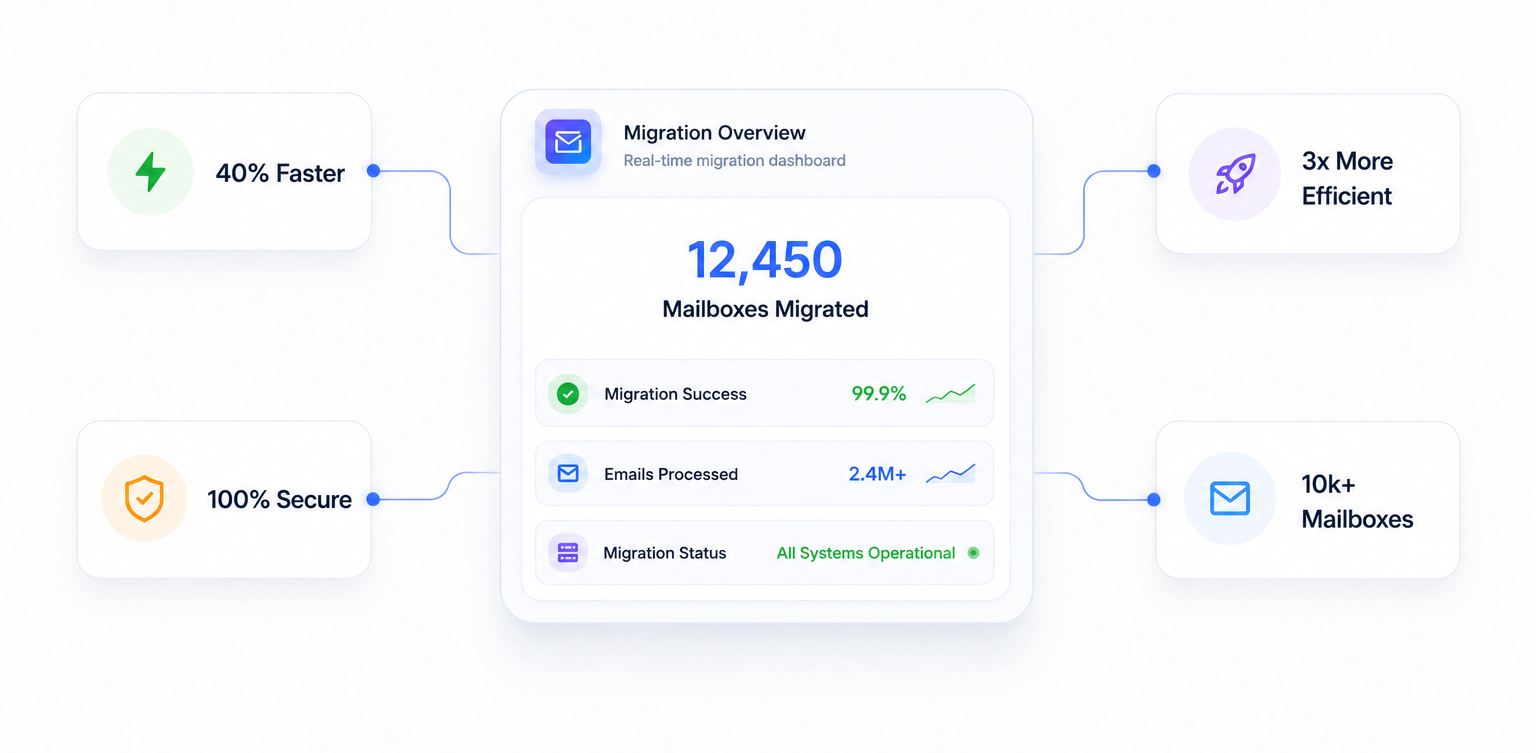
Why Admins Choose Us Dashboard

Migration in 3 Easy Steps

Get started in just 3 easy steps with a guided onboarding experience designed for speed and simplicity.

Admin Dashboard Login
STEP 01 β€” LOGIN

Login to Dashboard

Create an account or login to your admin dashboard to securely initiate and manage your email migration setup.
Connect Server
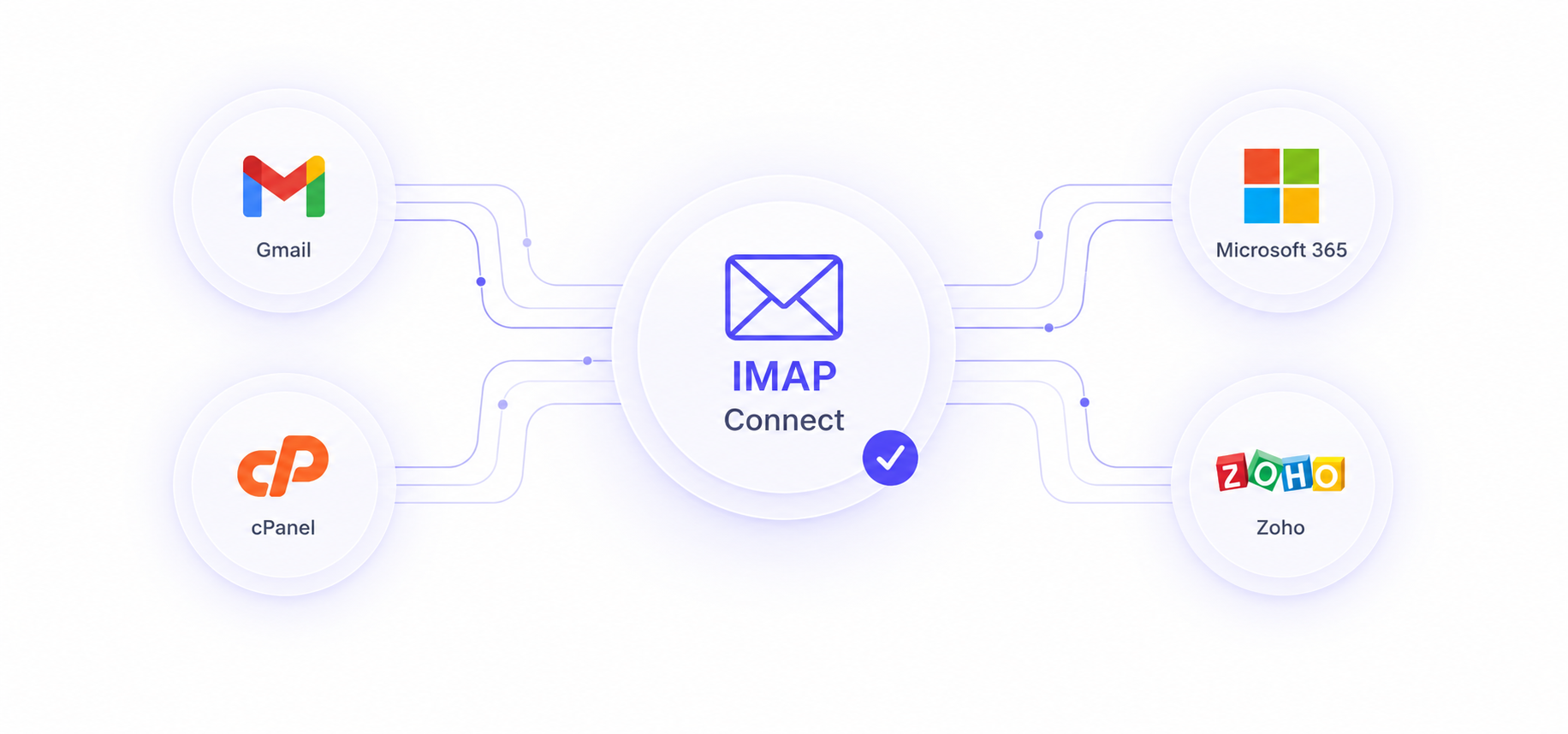
STEP 02 β€” CONNECT

Connect Server

We integrate a range of email solutions, including Google Workspace, Microsoft 365, cPanel, Exchange, IMAP and more.

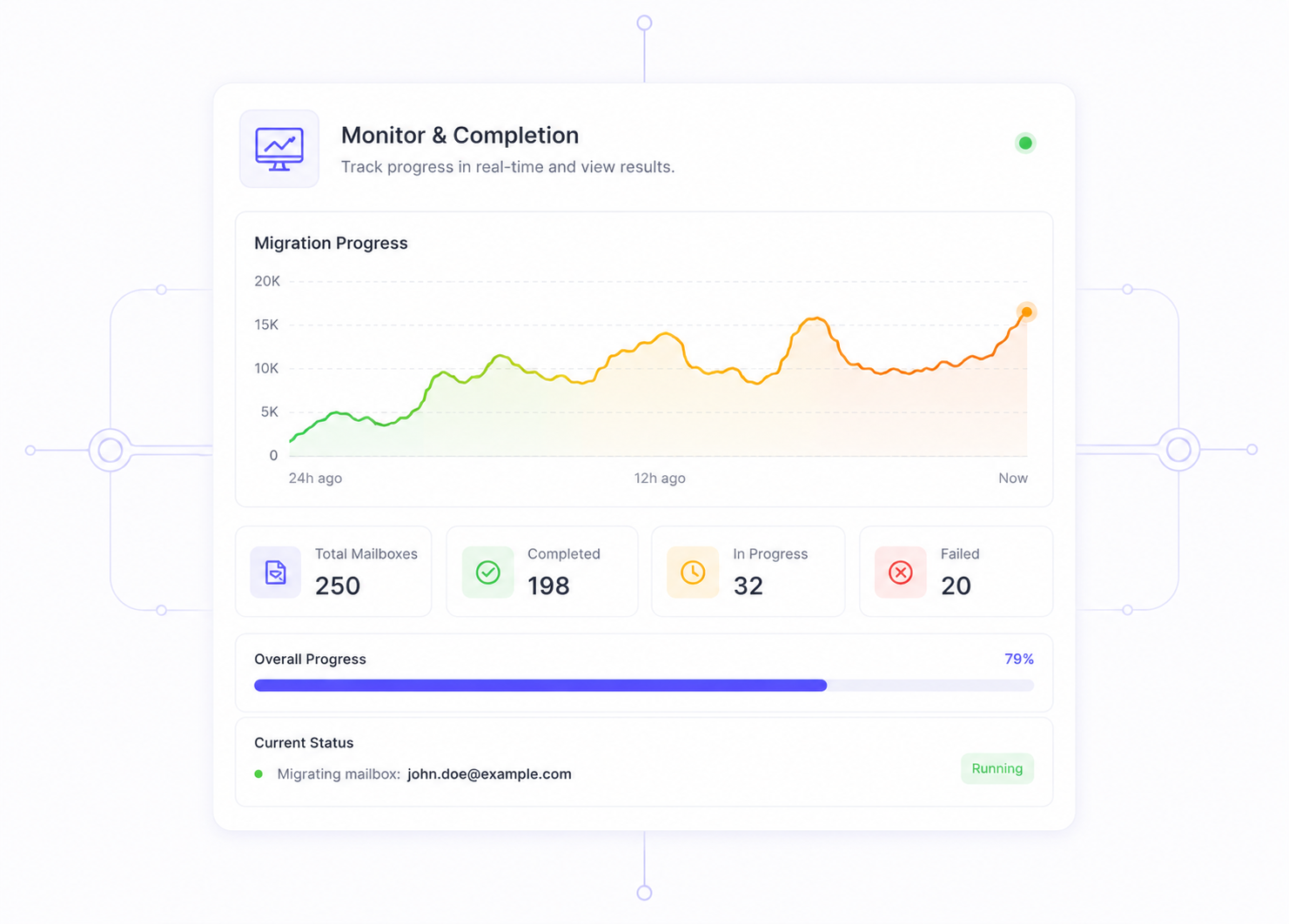
STEP 03 β€” MIGRATE

Monitor & Completion

We provide personalized migration solutions aligned with your business goals, emphasizing the potential for scaling. Combining enterprise infrastructure with smart routing, we enable you to migrate data much faster and more efficiently than traditional methods. Forget the constraints.
β–£ DELTA SYNCING
πŸ€– ERROR HANDLING
⚑ HIGH CONCURRENCY
🎯 LABEL MAPPING
πŸ“Š LIVE DASHBOARD
Monitor & Completion
Loading Pricing...

How to Perform an IMAP Email Migration

Our email migration tool simplifies the complex process of transferring your data. Here is what you need to know about migrating mailboxes.

  1. 1

    Add Server Details

    Enter the login details for both your old email server and your new email server. We handle the secure connection.

  2. 2

    Select Users

    Choose which mailboxes you want to copy over. You can migrate single users or thousands at once.

  3. 3

    Start Migration

    Click start. Our tool will safely copy all your emails, folders, and tags at lightning speed.

Key Migration Stats

  • 99.99%
    Success Rate globally
  • 75% Faster
    15,000 emails per hour
  • Zero
    Downtime for users

How Does MigrateZilla Compare?

FeatureMigrateZillaTraditional Tools
Cost
βœ“100% Free (Beta)
$10 - $50 per mailbox
Speed
βœ“Up to 15 concurrent threads
Single thread processing
Incremental Sync
βœ“Supported (Automatic)
Manual or unsupported

Why Choose Our Free Email Migration Tool?

When you switch hosts or move to the cloud, keeping your data safe is the main goal. Our tool handles all the hard work for you. It connects easily, grabs your emails, and places them in the right spot. We use strong encryption to keep your passwords and emails completely safe.

Frequently Asked Questions

Everything you need to know about our free email migration platform. Helping IT teams worldwide with fast IMAP email migration.

What is MigrateZilla and how does it work?
MigrateZilla is an easy-to-use tool for moving your emails. You can safely transfer your mailboxes to Google Workspace, Microsoft 365, or any other server. It is fast, safe, and built for everyone. To date, we have helped over 2 million users transition to new platforms. Our tool is designed to work seamlessly, ensuring that 100% of your folders, subfolders, and flags are migrated without requiring any complex configuration on your end.
Is my data secure during the email migration process?
Yes, your data is completely safe. We use strong AES-256 TLS/SSL encryption to protect all your files during transit. Your emails move straight between servers and are never saved on our network. Over 98% of IT administrators highlight our strict zero-data-retention policy as their primary reason for choosing MigrateZilla. We fully comply with international privacy standards, giving you complete peace of mind while transferring sensitive corporate communications.
Do you support bulk or large enterprise migrations?
Yes, our system handles large scale moves easily. You can move thousands of mailboxes at the same time without any slow downs. In fact, 73% of our enterprise users migrate batches of 500 or more mailboxes simultaneously. Our infrastructure dynamically allocates resources, ensuring that even the most demanding migrations involving terabytes of historical email data are handled flawlessly and efficiently.
How long does a typical email migration take?
Speed depends on your old and new servers. Our fast system works hard to speed things up. Our multi-threaded architecture reduces migration time by up to 40% compared to traditional manual syncing methods. A standard 10GB mailbox typically finishes moving in just a few hours. By processing up to 15 concurrent threads, we guarantee that your team will experience the absolute minimum amount of waiting time possible.
What happens if a migration gets interrupted?
MigrateZilla is smart enough to resume on its own. If the internet drops or a server limit is hit, the tool will pick up right where it left off automatically. You will never get duplicate emails. Our system boasts a 99.99% success rate for resuming interrupted transfers, ensuring that every single byte of your valuable data is accounted for. This intelligent sync feature alone saves system administrators hundreds of hours of manual verification.
Cloud decorative element topCloud decorative element bottom

Let's create digital
experiences that deliver results.

Turn your vision into impactful designβ€”faster, clearer, and more effective.