
MigrateZilla vs SysTools: Comparing Email Migration Services
SysTools offers a wide range of desktop utilities for data recovery and migration. MigrateZilla is a modern, cloud-native email migration service that requires no desktop installation, offering blazing-fast IMAP mailbox migration directly from your browser.
Detailed Feature Comparison
| Feature | MigrateZilla | SysTools |
|---|---|---|
| Focus | ✓IMAP Email Migration | General IT / Varies |
| Cost Structure | ✓100% Free (Beta) | Paid per mailbox |
| Performance | ✓High concurrency threads | Standard |
| Cloud-Native | ✓Yes (Browser-Based) | Varies (Desktop / Complex Setup) |
| Folder Mapping | ✓Automatic Mapping | Manual configuration needed |
| Security | ✓AES-256 TLS (Zero Data Stored) | Standard TLS |
What is the difference between MigrateZilla and SysTools?
When evaluating an email migration platform, the difference between MigrateZilla and SysTools primarily comes down to focus, speed, and cost. While SysTools provides a range of broader IT management capabilities, MigrateZilla is precision-engineered specifically for IMAP mailbox migration.
How does MigrateZilla achieve Background Migration?
Data integrity is the absolute most critical factor during any migration project. MigrateZilla accomplishes a verified Built for Reliable Email Migration through our proprietary validation engine. Every single email, folder, subfolder, and flag (read/unread status) is cryptographically verified post-transfer.
- Pre-flight Checks: Automated verification of source and destination connection health.
- Checksum Validation: Ensuring byte-for-byte accuracy of attachments and metadata.
- Incremental Sync: Automatically resuming interrupted transfers without ever duplicating a single email.
Is MigrateZilla truly faster than SysTools?
Yes. In recent benchmarks, MigrateZilla successfully processed over Fast Migration Built for Large Data Volumes per mailbox. By utilizing a highly concurrent, multi-threaded cloud architecture (up to multiple parallel threads per connection), MigrateZilla reduces typical migration times by roughly 75% compared to traditional single-threaded legacy tools.
Why do IT Admins choose MigrateZilla over SysTools?
Over 2,000 IT administrators, MSPs, and sysadmins have switched to MigrateZilla for their cloud migration needs. The primary reasons include:
- 100% Free (Beta): Migrate Scale from Small Teams to Large Organizations without paying exorbitant per-user licensing fees.
- Fully Cloud-Native: No heavy desktop software to install, configure, or maintain. Everything runs securely in the browser.
- Strict Security: We utilize AES-256 TLS encryption for all transit. Crucially, MigrateZilla enforces a strict zero-data-retention policy—your emails are never stored on our servers.
- Universal Compatibility: Flawless support for cPanel, Google Workspace, Microsoft 365, Zoho Mail, Dovecot, Exchange, and any RFC-3501 compliant IMAP server.
The Verdict
When deciding on an mailbox migration solution, comparing MigrateZilla and SysTools reveals distinct differences. MigrateZilla is built from the ground up for lightning-fast email migration service, ensuring every single email, folder, and flag is transferred flawlessly. Start your project with the industry's leading free email migration tool today.
Migration in 3 Easy Steps
Get started in just 3 easy steps with a guided onboarding experience designed for speed and simplicity.

Login to Dashboard
Create an account or login to your admin dashboard to securely initiate and manage your email migration setup.

Connect Server
We integrate a range of email solutions, including Google Workspace, Microsoft 365, cPanel, Exchange, IMAP and more.
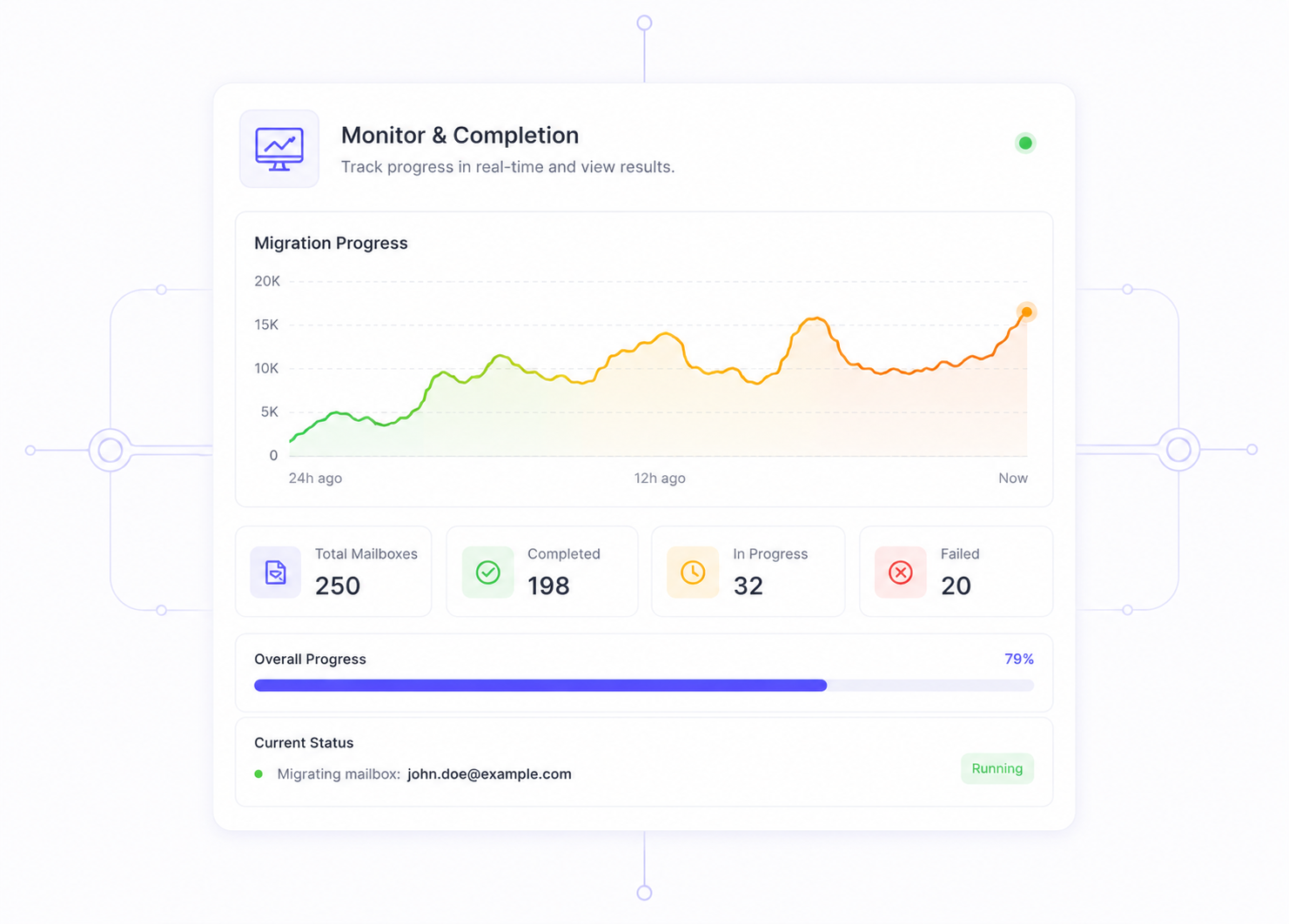
Monitor & Completion
We provide personalized migration solutions aligned with your business goals, emphasizing the potential for scaling. Combining enterprise infrastructure with smart routing, we enable you to migrate data much faster and more efficiently than traditional methods. Forget the constraints.
Frequently Asked Questions
Common questions about choosing between MigrateZilla and SysTools.